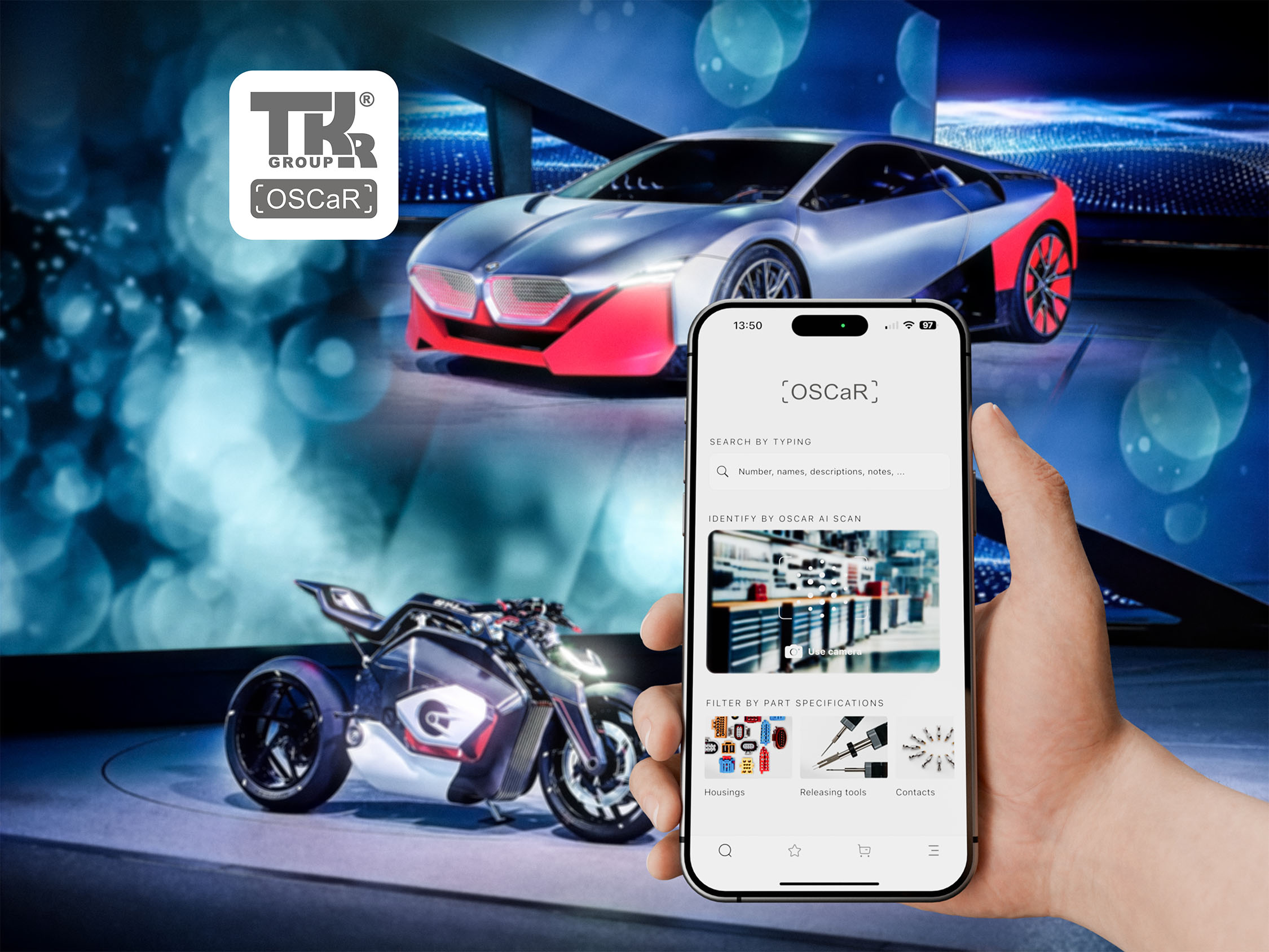
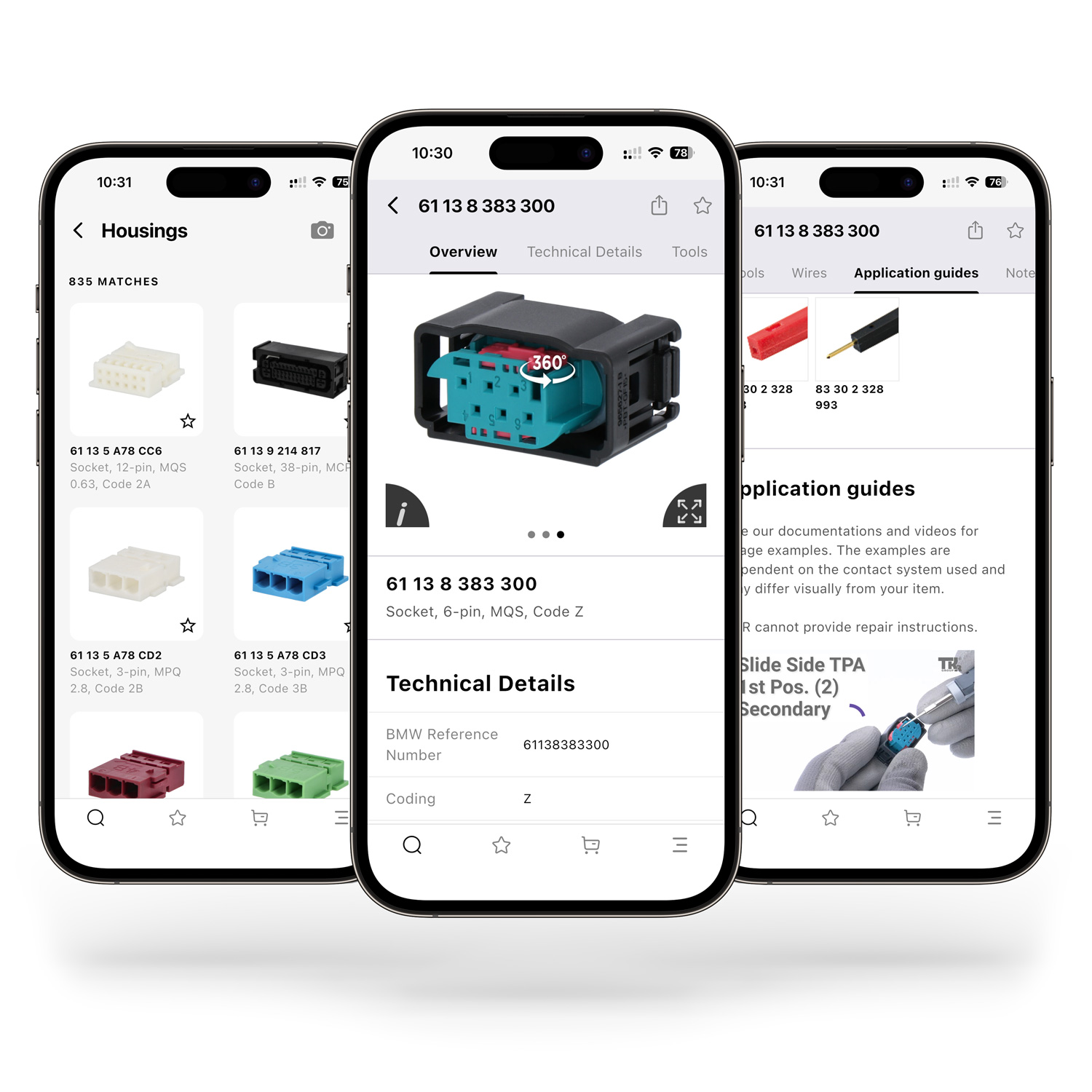
Large images, detailed technical information, tools, replacement parts, FAQs, professional application videos, and tutorials are all clearly organized in one place!
Using the appropriate tools is essential for perfect repairs.
How-to Guides: Our application videos and tutorials demonstrate the correct way to handle them.
Newsletter
What can the TKR OSCaR® app do?
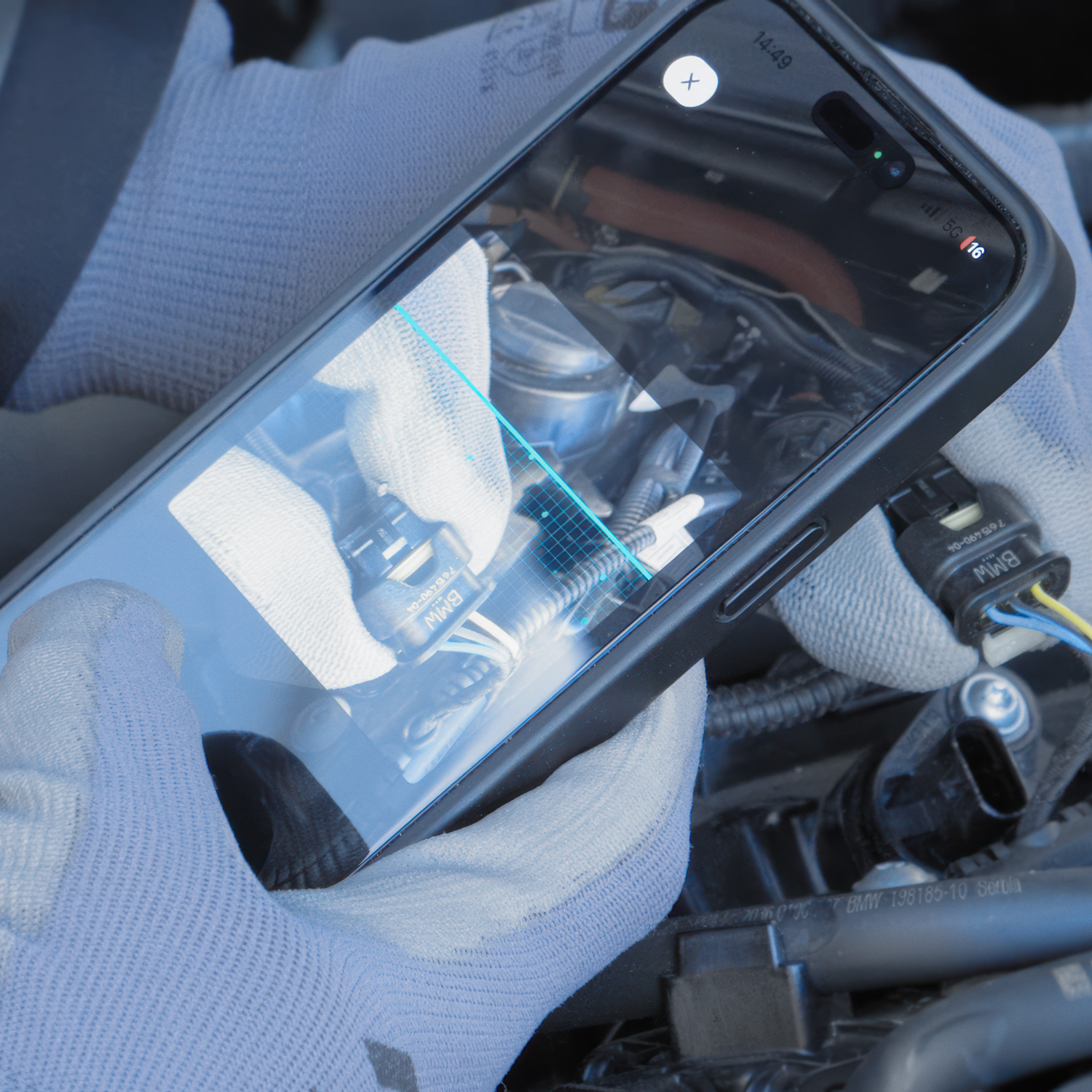
Our "TKR OSCaR® Wiring Repair" module assists you in identifying connector housings, tools, contact parts, wires, and numerous other items. The information is available right where you need it—directly at the vehicle during repairs.
When repairing or replacing a current BMW retail housing (found in ATLAS) or a new module housing (i.e. found in the NA5/Gen6 connector repair kit), OSCaR shows you the technical details, matching contact parts, release tools, repair cables, and seals. If you need to repair a contact part, you can quickly find the corresponding replacement parts and crimping tools. All information is supported by simple tutorials and application videos.
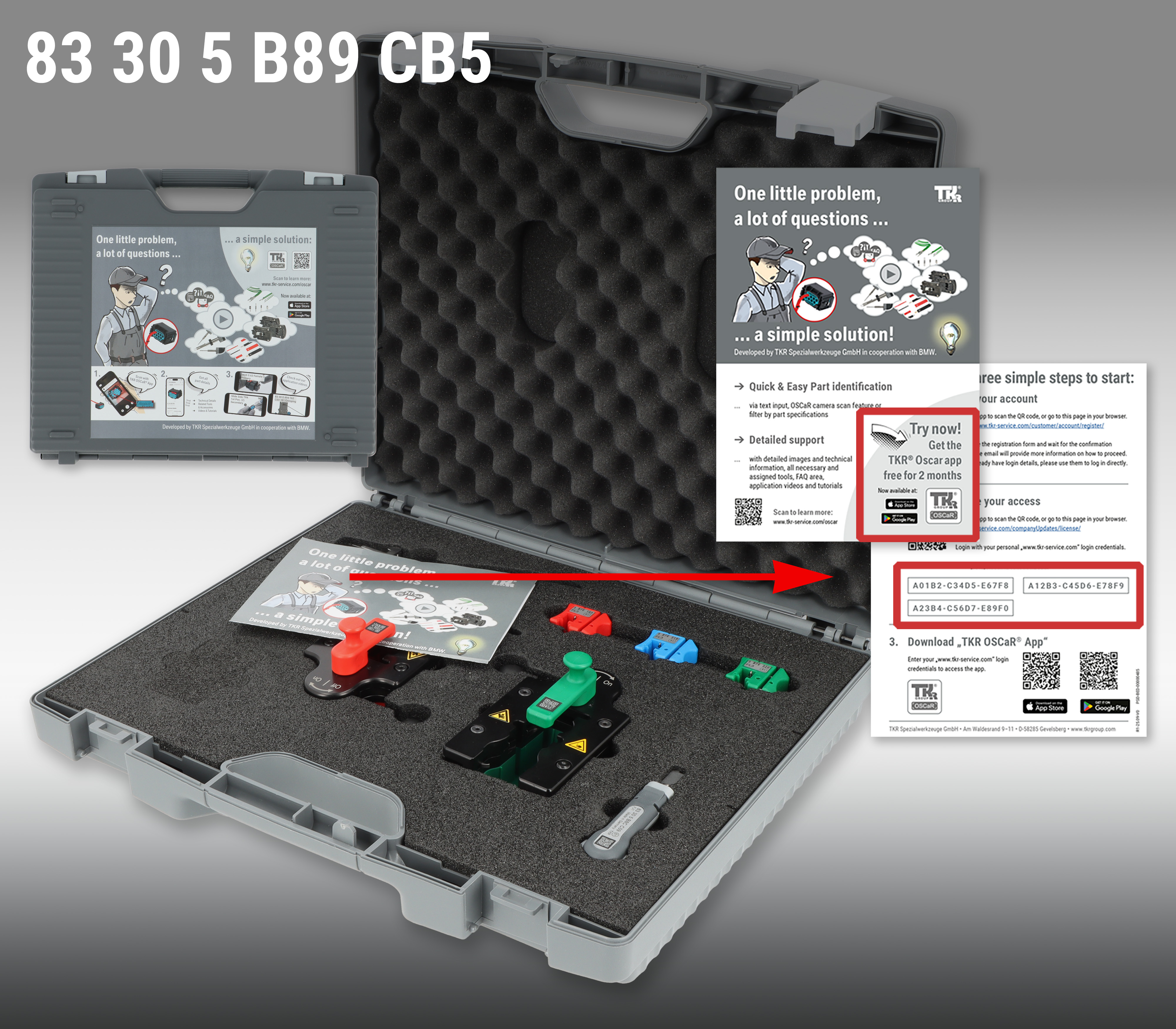
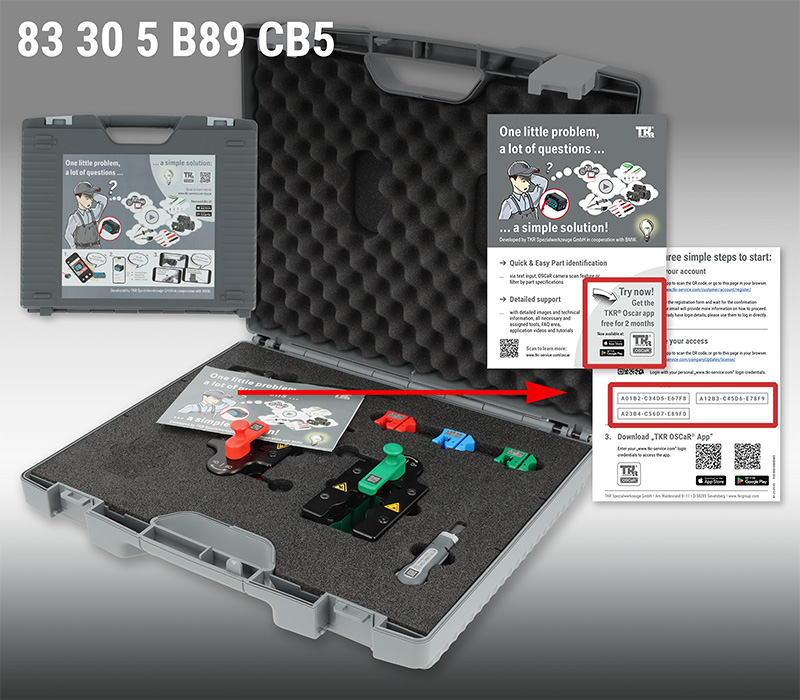
Yes! The Repair Kit 83 30 5 B89 717 (for repairing module connectors starting with Service Pack 2025) includes Case 83 30 5 B89 CB5 containing various release tools. It also includes an info flyer for the TKR OSCaR® app.
The enclosed flyer contains instructions for creating an account, as well as three activation codes for the TKR OSCaR® Wiring Repair app „TKR OSCaR® Wiring Repair“.
After registering, enter your activation code in your customer account under "License Subscription Management OSCaR® App > Licences: Unlock artivles".
Once entered, the app will be free to use for two months.
Who can use the TKR OSCaR® app and how does it work?
To use the TKR OSCaR® app, you must have a personal B2B customer account or a company account on this website.
What is Quick Login? To try out the TKR OSCaR® app with a promo or a trial activation code, you can create a trial account via Quick Login. Please note: You cannot make purchases using this Quick Login account.
What is Company Login? With a B2B company account, you can purchase replacement parts and app activation codes. A company admin can add employees to the account and manage their access to the TKR® OSCaR app.
Important: Your personal login credentials for this website also apply to logging in to the TKR OSCaR® app.
You'll also need a valid activation code to unlock articles in the app.


 Deutsch SE
  Español SE
  Francais SE
  Italiano SE
  Nederlands SE
  Português SE
  Русский SE
  Svenska SE
  中文 SE
中文 SE  CAD
CAD USD
USD